.png)

2 hours to 20 minutes with Gamma
There’s no mistaking that AI is here to change how we do things. You’d be forgiven for feeling that the pace of announcements of new models, services and apps is giving you whiplash. We’ve established an innovation group at Kiandra to test a variety of AI services to see how they can improve how we do things or offer more value to our clients. While overwhelming at times, we’re discovering value in all aspects of how we do our work.
In the past, I have quipped that my career was spearheaded due to above-average skills in PowerPoint, and until now, it has barely seen a contender to knock it off the podium of deck creation. Gamma has emerged as a quality opponent, but in my opinion, for advanced PowerPoint users, it’s not quite a full replacement. PowerPoint with Copilot and Designer now serves similar AI magic.
Gamma Pros:
- It’s fun, easy and versatile to use Gamma, and you can generate pressos, socials, documents and websites that look beautiful. See Figure 1 below for an example.
- You can generate an entirely populated presentation from a prompt with a logical and timely opportunity to generate your desired structure.
- The drag-and-drop interface is intuitive, and you really can achieve a lot without ever reading instructions.
- It is easy to add, modify or delete any AI generated content and the layout.
- Gamma supports many types of media including AI generated images and it even creates quiz questions which is a nifty feature.
- There is direct access to image libraries from within the app if you prefer stock images as opposed to the AI generated output that comes as the default.
- There are direct integrations with external form builders and useful embedded apps outside the Microsoft ecosystem.
- You can run the output from the app, or export it to PDF or PowerPoint with pretty reliable rendering.
Gamma Cons:
- The export from Gamma to Google Slides comes with some hiccups.
- Setting up styles using your company brand colours can be tricky with a lot of trial and error to get the styles rendering how you want.
- Gamma quickly becomes expensive if you create a lot or need multiple revisions to get it right.
- Gamma is not as flexible as PowerPoint by way of custom design, layouts, transitions, animations, cameos and chart data.
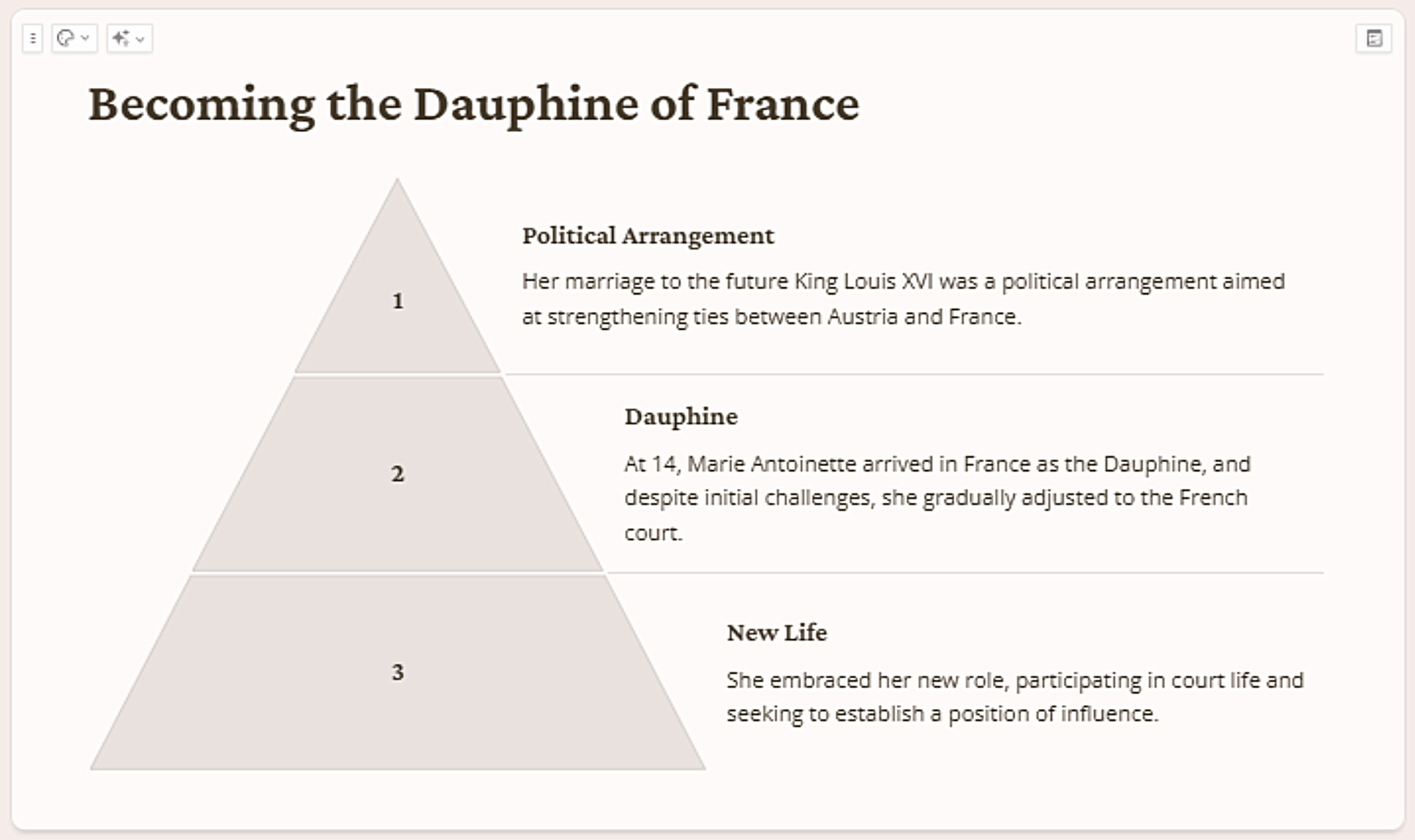
- Gamma outputs some misinterpretations of the content such as irrelevant icons, layout structures and images. See Figure 2 below.
- When entering your own content, Gamma tries to be clever and modifies the content and introduces its own, which can be frustrating if you intended it to be all your own words.
The trade-off with Gamma is that it's much easier to use and strips away the features that most people would rarely use in PowerPoint. We recently put it to the test with a presentation on the outcomes of some of our analysis with a client and created a presentation in 20 minutes. We estimated it would have taken around 2 hours to manually create a similar quality in PowerPoint.
Our Recommendation:
- Create a free trial, input a prompt for the same topic into both PowerPoint and Gamma and compare the output.
- Then input your existing PowerPoint pitch deck into Gamma and see how it converts.
By doing this you will see what benefits you can gain from Gamma and decide if it is time to make the switch. For me though, I am sticking with PowerPoint for now.
.png)
Related Posts



Let’s build your competitive edge
Tell us about your project for a no-obligation consultation.